The Aureus ERP Products feature in the Sales plugin of Aureus ERP enables businesses to create, manage, and configure goods and services offered for sale.
This guide covers everything from product setup to attribute and variant management.
Requirements for Managing Product Variants
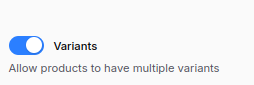
Before you begin, enable the Variants toggle from the settings:
Navigate to Sales → Settings → Sales Section → Manage Product → Save Changes.
Key options to enable:
- Variants: Allow products to have multiple variants based on attributes such as color, size, or material.
Product Creation Process
Step 1: Navigate to Product Creation
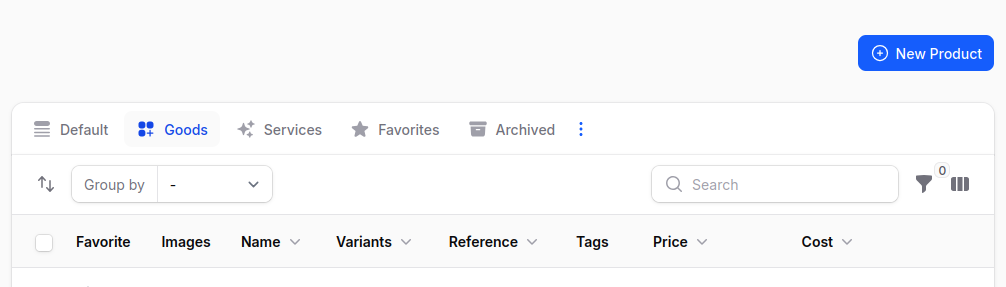
Go to Sales → Product → Product → New Product.
Step 2: Fill Out the Product Form
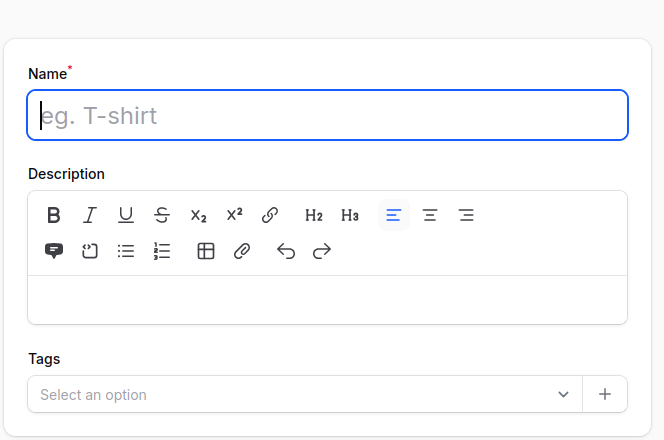
1. Basic Details
- Name: Enter the product or service name.
- Description: Optional field for product details.
- Tags: Create or select tags for quick filtering or classification.
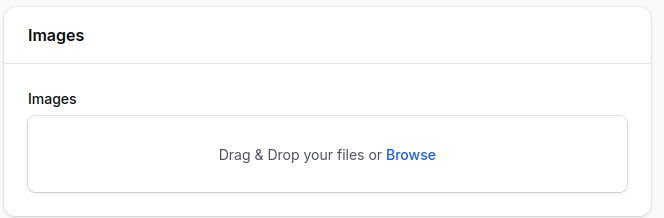
- Images: Upload one or more product images.
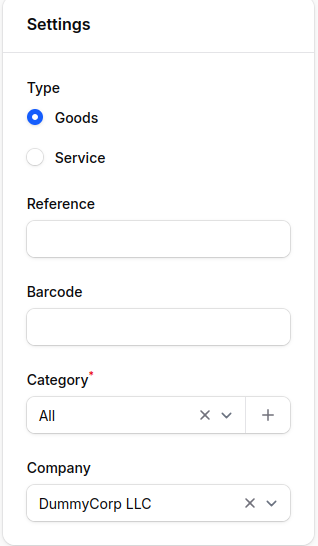
2. Settings Section
- Type: Choose between:
- Goods: Tangible items requiring stock tracking.
- Service: Intangible offerings like consulting or maintenance.
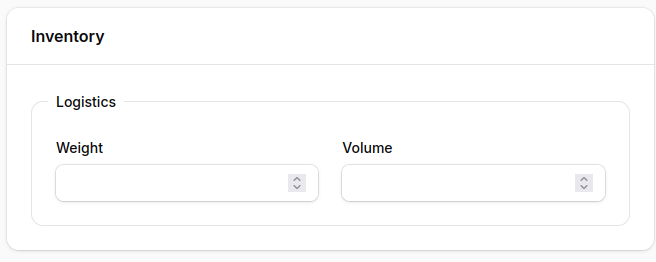
Note: Selecting Goods reveals an Inventory section at the bottom of the page.
- Reference: Product reference code.
- Barcode: Barcode for scanning or POS systems.
- Category: Select an existing category or create a new one. By default, all is selected.
- Company: Choose from the list of companies (multi‑company support).
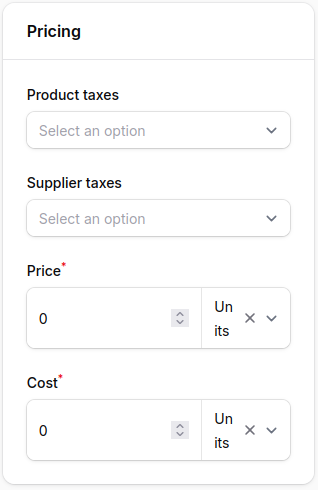
3. Pricing Section
- Price: Selling price of the product.
- Cost: Purchase cost from the vendor.
- Product Taxes: Taxes applied when selling to customers.
- Supplier Taxes: Taxes applied when purchasing from suppliers.
Step 3: Action Buttons
At the bottom of the form, you’ll find:
- Create: Save and create the product.
- Create & Create Another: Save current product and reset form for new entry.
- Cancel: Exit without saving.

After Product Creation
Once you click Create, the system redirects to the View Product page.
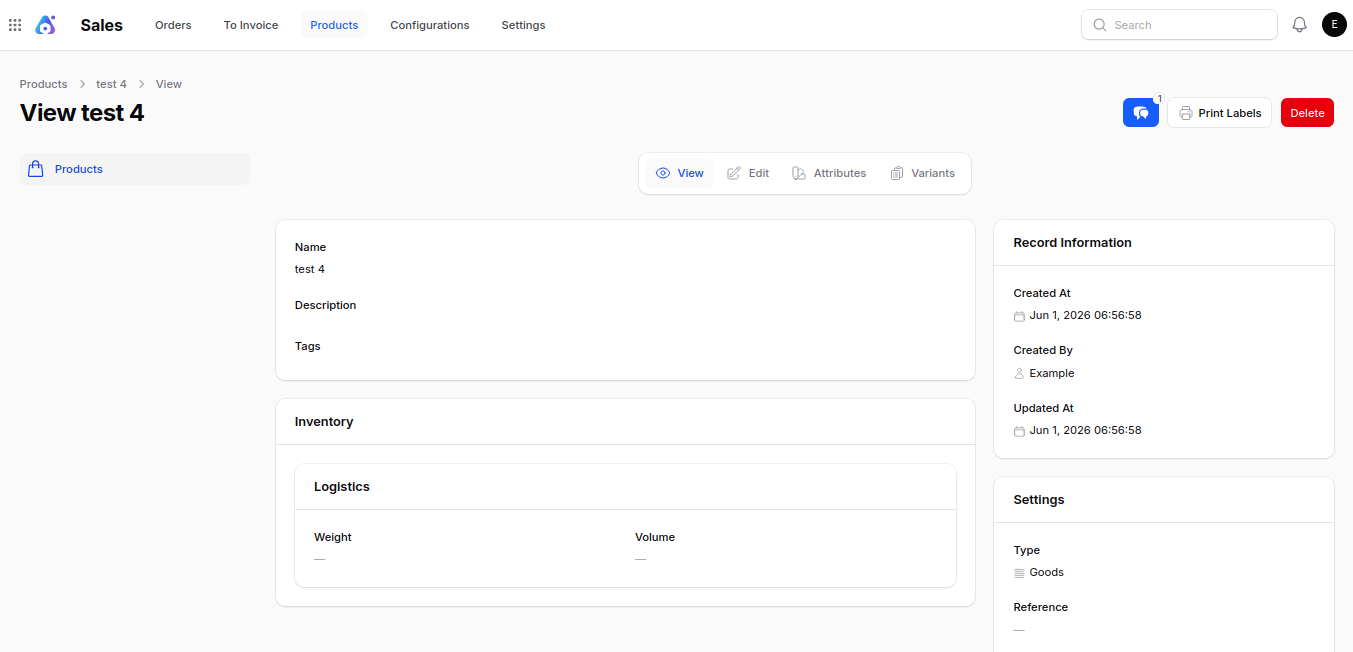
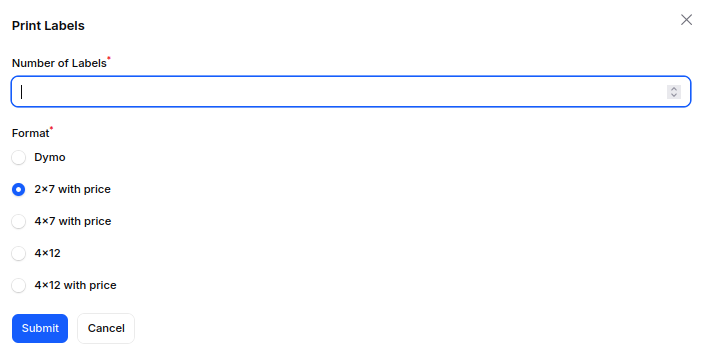
Print Labels:
- Opens a modal with the following fields:
- Number of Labels: Enter the number of labels to print.
- Format: Choose label dimension and price inclusion (e.g., 2×7 with price, 4×12 without price).
- Clicking Submit downloads a PDF of the generated labels.
Delete: Permanently removes the product.
Attribute & variants
One of the most powerful capabilities of the Aureus ERP Products feature is its support for attributes and variants, allowing businesses to manage multiple product options efficiently.
Attributes
- Clicking Attributes redirects to the Manage Attributes page.
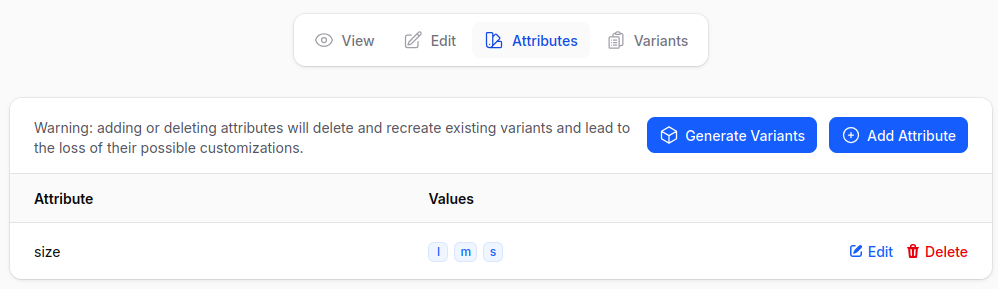
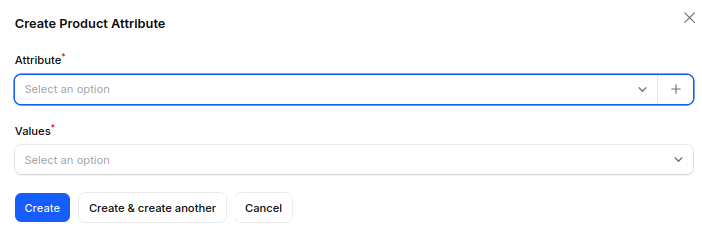
- Click Add Attribute to open a modal:
- Attribute: Select or create a new attribute.
- Values: Enter the values associated with the selected attribute.
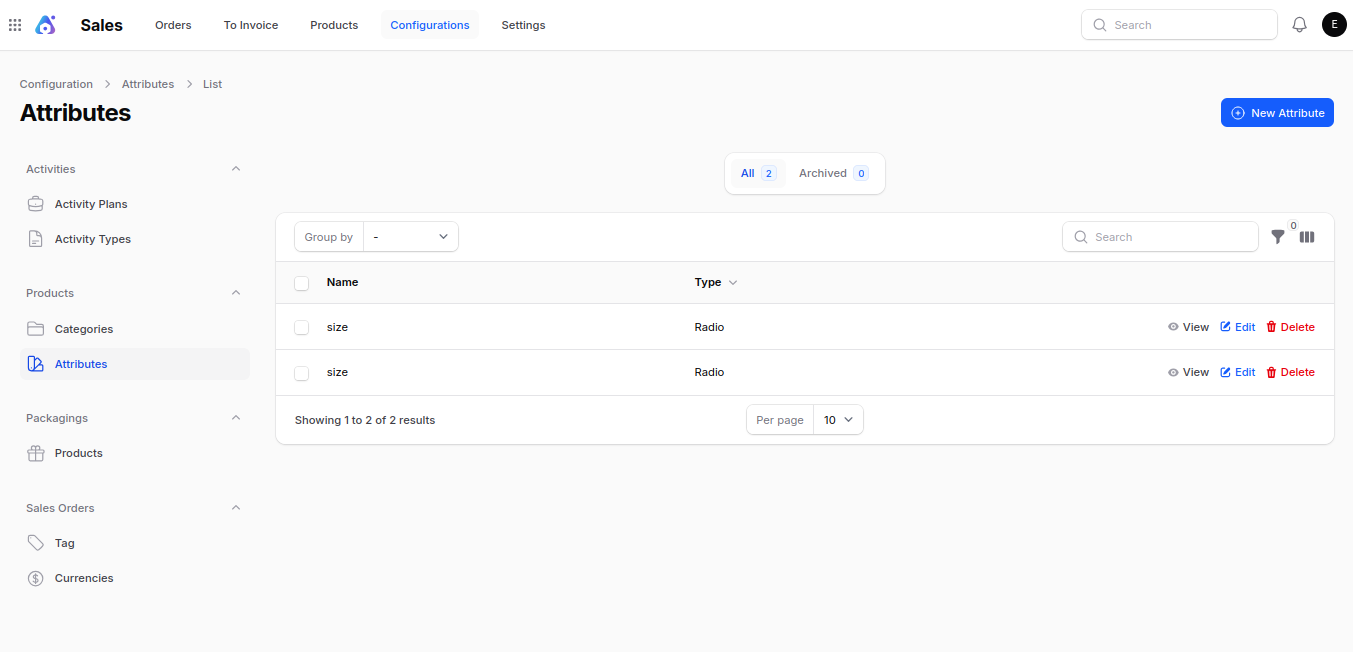
Note: We can also create the attribute by navigating to the
sale->configuration->product section->attribute ->new attributes
Creating Variants
- Click the Generate Variant button.
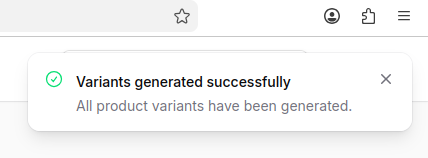
- A notification confirms variant generation.
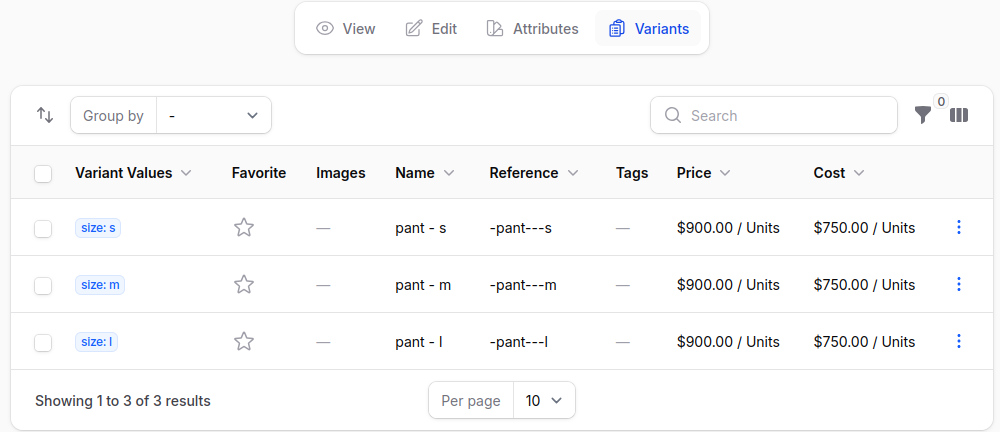
Variant Page
Here, all generated variants of a product are displayed. You can:
- View: See variant details.
- Edit: Update variant information.
- Delete: Remove specific variants.
Conclusion
The Aureus ERP Products feature makes it easier for businesses to manage their products. It lets them create, organize, and set up products in a smart way.
By having support for product features and variations, companies can easily manage various product choices like size, color, or material without the need to create separate products by hand.
No matter if you have a tiny catalog or a big inventory, the Aureus ERP Products feature gives you the flexibility and ability to grow your business.


Be the first to comment.