The Quotation feature in Aureus ERP helps you create, handle, and turn quotations into sales orders.
A quotation is an initial offer sent to a customer that details product prices, terms, delivery conditions, and it acts as a foundation for making an invoice.
To understand what Aureus ERP is, explore the official documentation or contact support for detailed information.
Steps to create Quotations
Step 1: Open the Sales Module
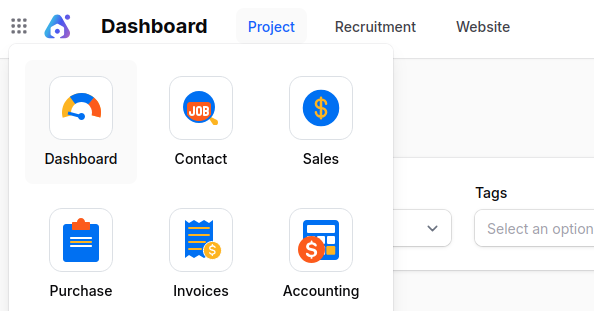
From the main dashboard, click on the Sales plugin to go to the quotation page. Here, you can see the existing quotations or make a new one.

Step 2: Start a New Quotation
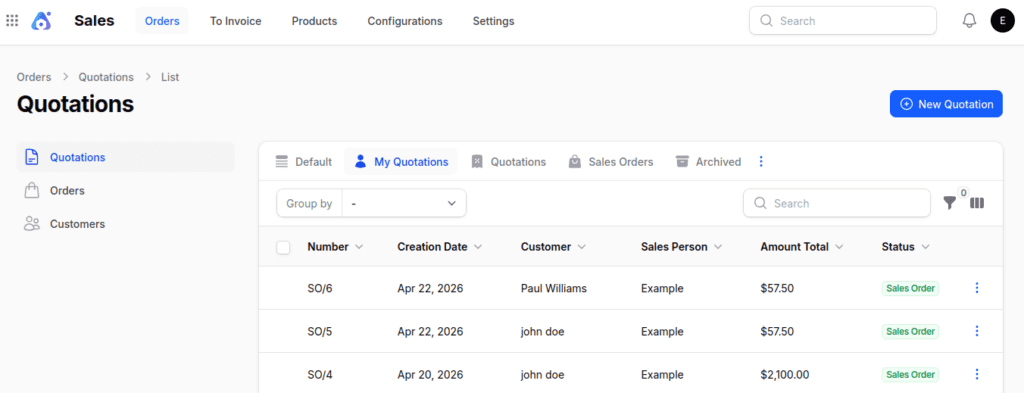
Click the New Quotation button (top right). A new form will pop up for you to fill in the details.

Step 3: Fill in the Quotation Form
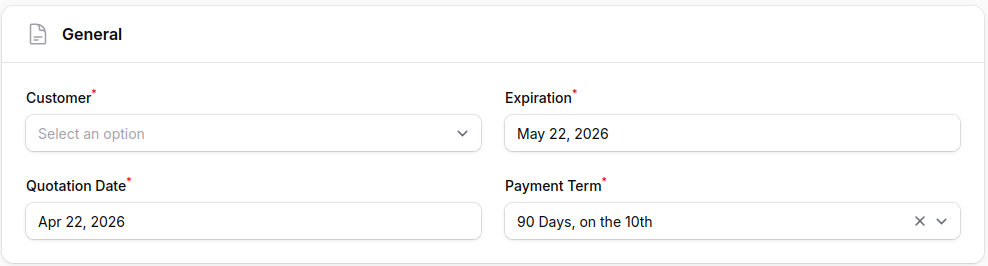
- General Section
- Select the customer.
- Set the expiration date (default validity can be set in settings).
- Define payment terms (e.g., Net 30, Immediate).

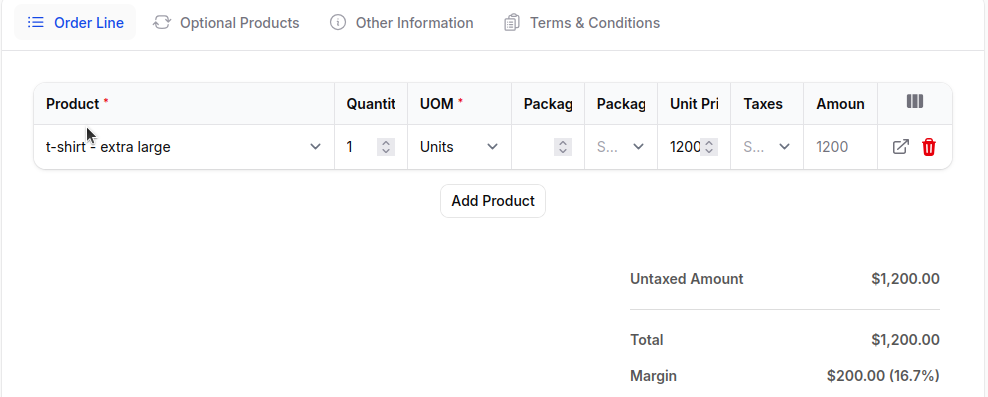
- Order Line Section
- Add products with details: product variant, quantity, unit of measure, lead time, packaging, unit price, margin, taxes, and discounts.
- The system auto‑calculates the total amount.

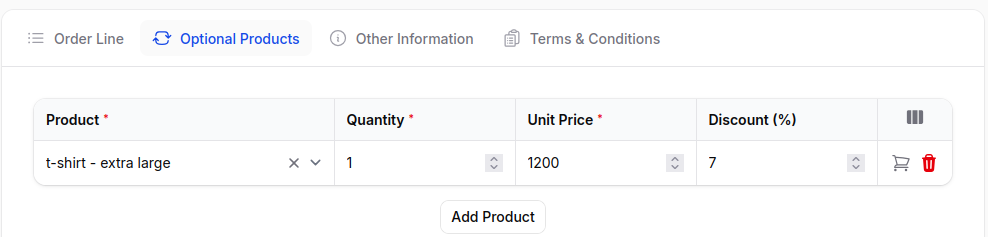
- Optional Products
- Add upsell or cross sell items with description, quantity, unit price, and discount.

- Other Information
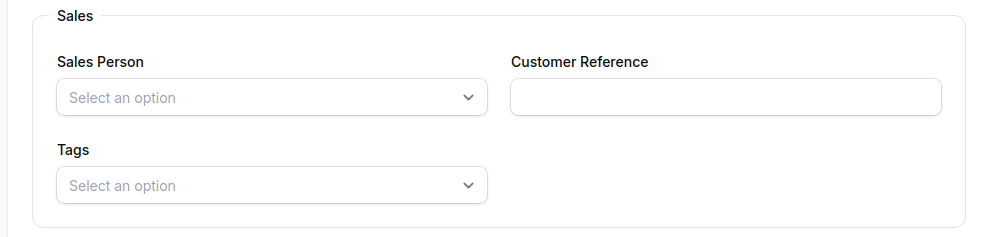
Sales Subsection:
- Sales Person: Assign the internal user responsible for the sale.
- Customer Reference: Reference number provided by the customer.
- Tags: Useful for filtering and classification.
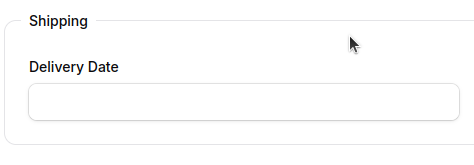
Shipping Subsection :
Delivery Date: Expected shipment or delivery date.

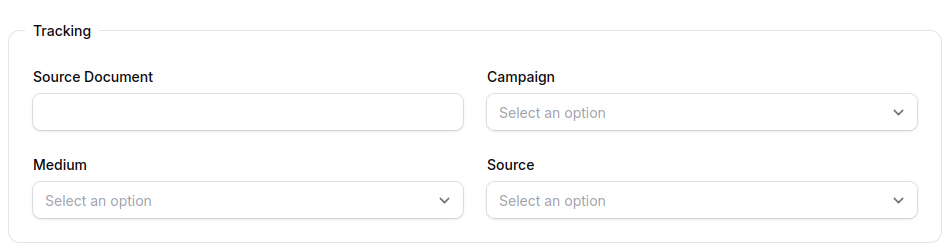
Tracking Subsection:
- Source Document: Reference to any linked internal document.
- Campaign: Select the related marketing campaign.
- Medium: Communication medium (e.g., Email, Web).
- Source: Origin of the lead or order (e.g., Facebook).

Additional Information Subsection:
- Company: Select the issuing company if operating in multi-company mode.
- Currency: Choose the quotation currency (default: USD).


Step 4: Save or Cancel
At the bottom of the form:
- Create: Save and generate the quotation.
- Create & Create Another: Save and open a new form.
- Cancel: Discard changes.


After Creating a Quotation
After you make a quotation in Aureus ERP, the system will automatically take you to the Quotation Edit page. Here, you can check and change the quotation.
You can also easily use the Automated invoice generation feature.

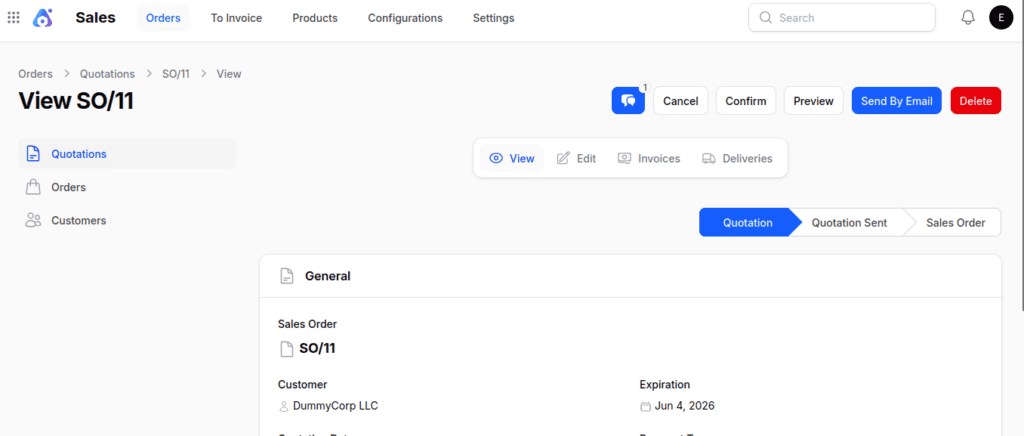
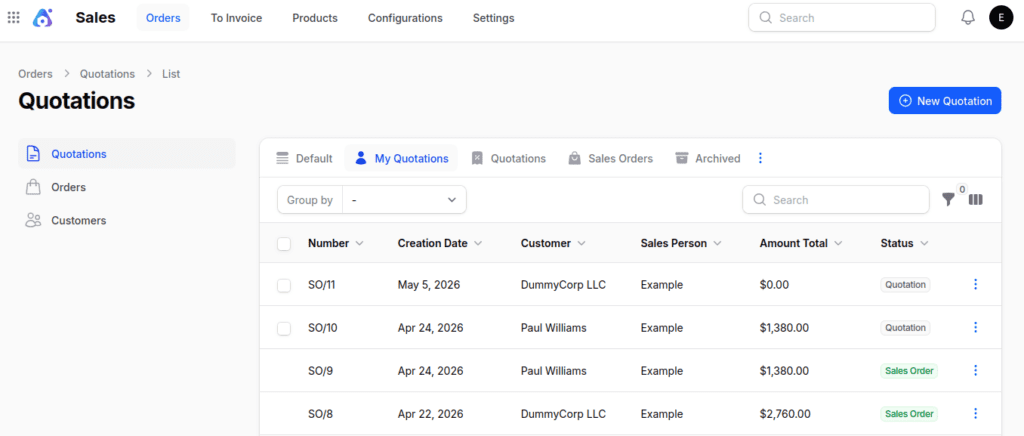
If you want to view all the quotations you’ve created, just click on Quotations in the side menu to see the overview.
Enabling Pricing and Quotation Management Settings in Sales
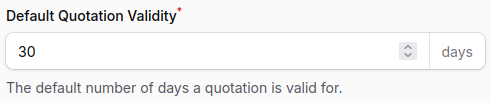
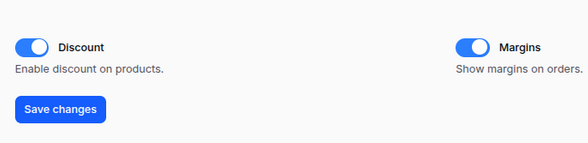
In the Sales module of Aureus ERP, you can turn on fields that assist in managing the validity of quotations, discounts, and margins.
Navigation: Go to Sales → Settings → Sales Section → Manage Pricing and Order & quotation
Available Options:
- Quotation Validity → Define how long a quotation remains valid.
- Discount Field → Enable discount entry on quotations and orders.
- Margin Field → Display and track profit margins directly in sales documents.


Final Words
Aureus ERP Quotation module simplifies the sales process by enabling easy quote creation, managing pricing, and converting quotes into sales orders.
It ensures accuracy, transparency, and better control, helping businesses set up validity, discounts, and margins for clear and professional communication with their customers.
If you want to know how to install Aureus ERP, check out the official installation guide or reach out to support for help.