Dolibarr ERP is an open source tool that combines ERP and CRM features in one system.
It helps businesses manage sales, billing, projects, and inventory management with ease.
The software is low cost and easy to customize, making it a good choice for small teams that need simple tools without complex setup.
However, as businesses grow, they often need more advanced features and better flexibility.
In such cases, it makes sense to Explore Top 5 Alternatives to Dolibarr ERP that can better support changing needs and growth.
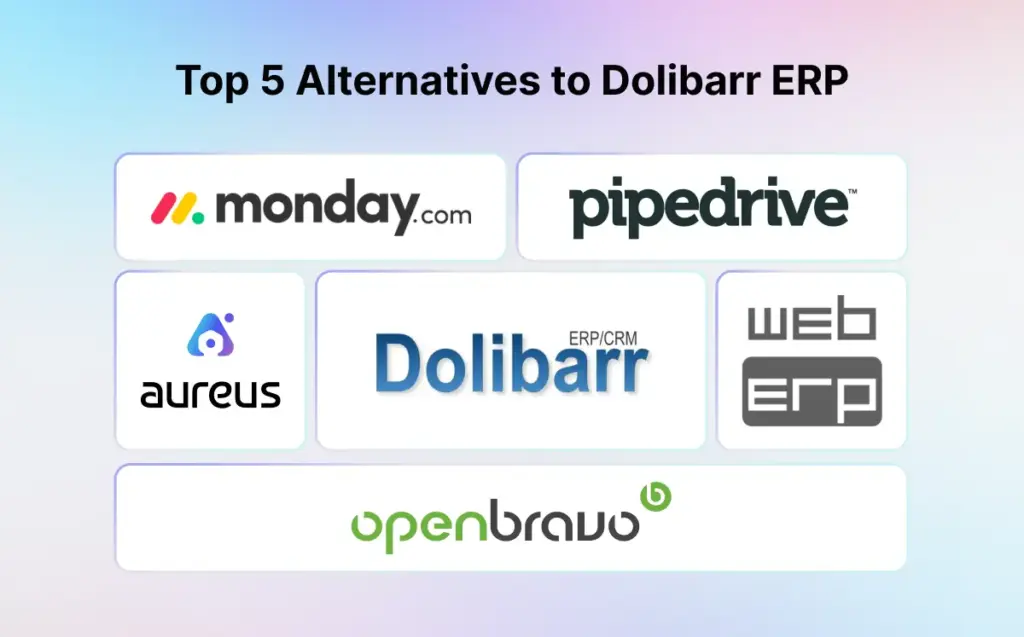
Better Alternatives to Dolibarr ERP & CRM
Here are some strong alternatives to Dolibarr that offer better ERP and CRM tools. They provide a smoother user experience and more flexible features.
These options help manage sales, customers, and daily business tasks more easily, making them a good fit for growing and modern businesses.
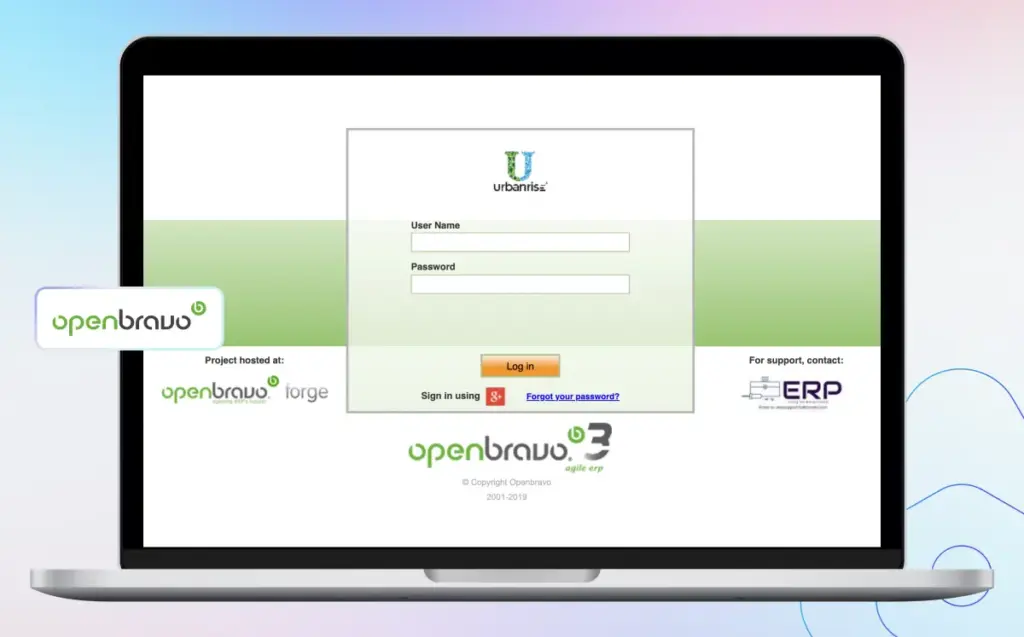
1. Openbravo
Openbravo is an ERP system built for retail and hospitality businesses.
It supports multiple stores and sales channels, making daily operations easier to manage.
It is a good choice for companies with complex retail needs that want better control over sales, stock, and customers.
Key Features
- Retail & POS Tools: Manage sales smoothly across multiple stores.
- CRM Features: Store customer data and build stronger relationships.
- Reports & Dashboards: Get clear insights to support better decisions.
- Easy Integrations: Connect easily with other business apps and tools.
Pros and Cons
| Pros | Cons |
| Easy to install and start using right away. | Mostly useful for retail and hospitality businesses. |
| Works well for small or large companies. | Extra features and customization can get expensive. |
| Active support with updates and shared solutions. | May require IT experts to set up and manage. |
| Handles multiple languages and currencies. | It might feel complex for very small businesses. |
Best For: Retail and hospitality businesses that need strong POS, inventory control, and multi store management in a cloud based ERP system.
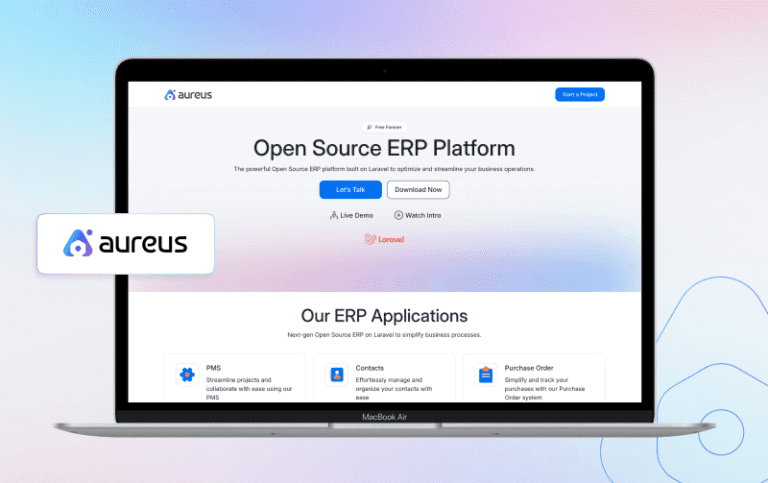
2. Aureus ERP
Aureus ERP is a free and Open Source ERP system that helps manage all parts of a business.
It runs on PHP based Laravel and Filament frameworks, making it flexible and reliable.
It automates daily tasks like billing, stock tracking, payments, and reporting. This reduces manual work and improves accuracy for businesses of all sizes.
Key Features
- Sales and Invoicing: Create and manage orders and invoices in one place.
- Inventory Management: Track stock levels and products in real time.
- Managing Vendor: Add vendors, track orders, and work better with suppliers.
- Accounting: Record income, expenses, and payments with financial reports.
- Multi User Access: Assign roles and control access for each team member.
Pros and Cons
| Pros | Cons |
| Easy to use with a clean and simple interface | Fewer integrations compared to larger ERP systems |
| All in one tool for sales, billing, and CRM | Needs internet, doesn’t work offline |
| Quick and simple setup process | Smaller community |
| Accessible anytime from any device | Updates and plugins may be limited |
| Can be customized for your business needs | May lack advanced features for large businesses |
Best For: Small to mid sized businesses, including retailers, eCommerce sellers, service providers, and growing startups looking for an all in one ERP solution.
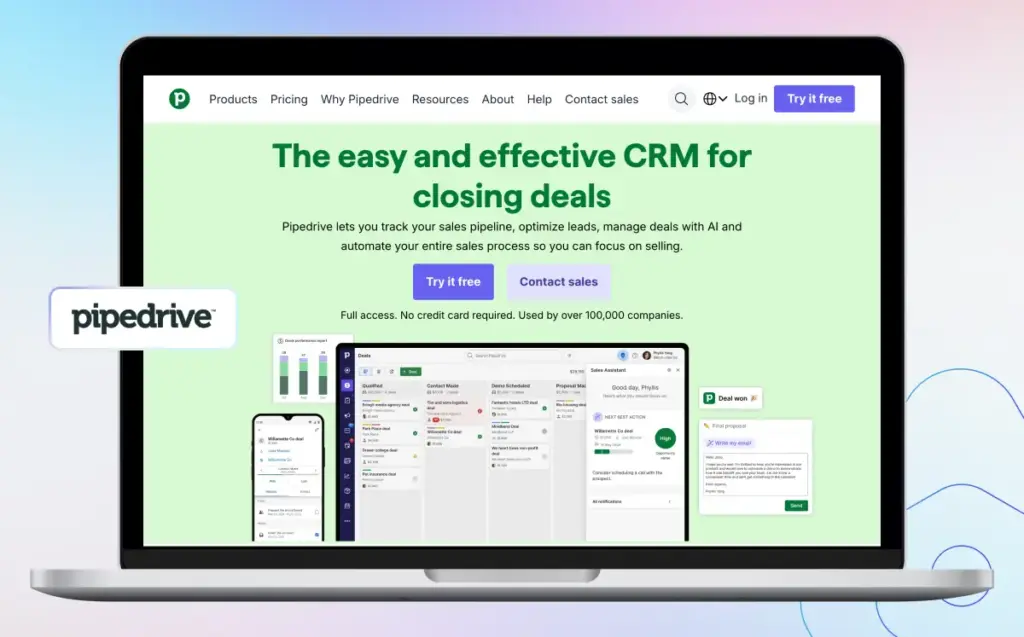
3. Pipedrive
Pipedrive is a CRM built to help sales teams manage leads, track deals, and close more sales efficiently.
It offers a visual sales pipeline, reminders, and reporting tools that simplify selling.
It also streamlines the sales process, making it fast and effective. With AI features and app integrations, teams stay organized and improve productivity.
Key Features
- AI Automation: Get smart suggestions to close and renew deals faster.
- Real Time Insights: View live data and reports to make better decisions.
- Custom Sales Process: Adjust the CRM to match your sales workflow.
- Quick Onboarding: Start quickly with easy to use tools and setup sessions.
Pros and Cons
| Pros | Cons |
| Customizable to fit different sales processes | No built in marketing automation tools. |
| AI powered suggestions help close deals faster | No free plan |
| Strong app integrations | Lower plans have limited features |
| Fast setup with guided onboarding | Customer support can be slow at times. |
Best For: Sales teams and startups looking for a simple, visual, and easy to use CRM to manage leads, track deals, and improve sales efficiently without complex tools.
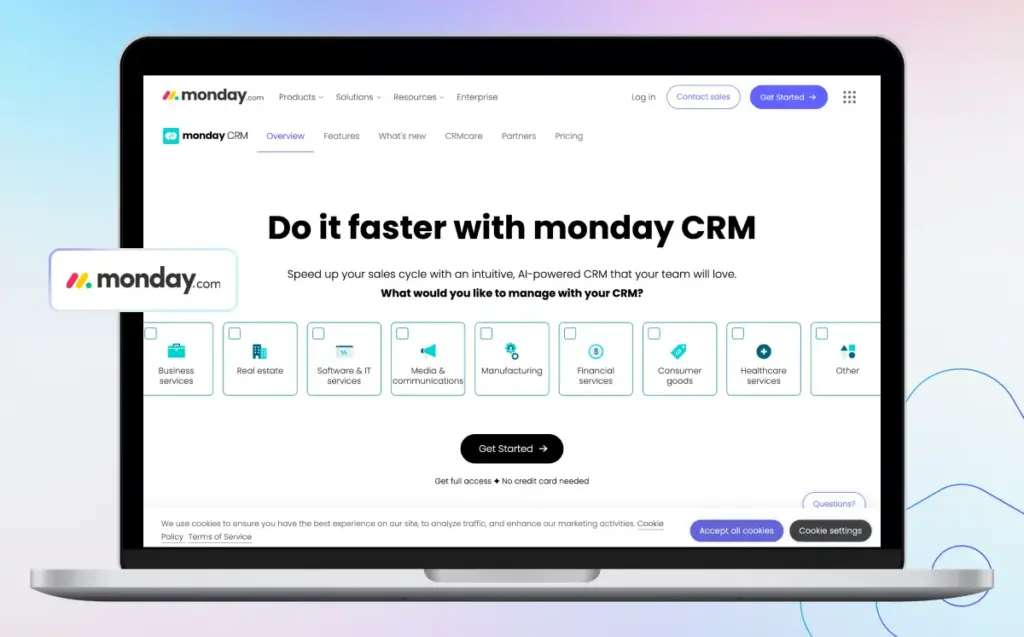
4. Monday CRM
Monday CRM is built on a flexible Work OS and focuses on sales. It helps manage leads, deals, contacts, and activities without needing any coding.
You can design your own sales process using drag and drop blocks and custom workflows. The tool is highly visual and very user friendly.
Key Features
- Sales Pipeline Tracking: Easily track deals and sales progress in one view.
- Lead Management: Add, update, and follow up with leads quickly.
- Custom Workflows: Set up your steps and stages without coding.
- Email Integration: Connect with Gmail or Outlook to send and receive emails directly.
Pros and Cons
| Pros | Cons |
| Easy to use with a clean and visual layout | May not have all the features for large enterprise needs |
| Fast setup and simple learning curve | Email features are basic |
| Good for team collaboration and task tracking | Can become costly with premium plans |
| Customizable workflows without coding | Limited advanced reporting compared to some other CRMs |
Best For: Small to medium sized teams that want an easy to use, flexible, and visual CRM to manage sales, leads, and customer tasks in one place.
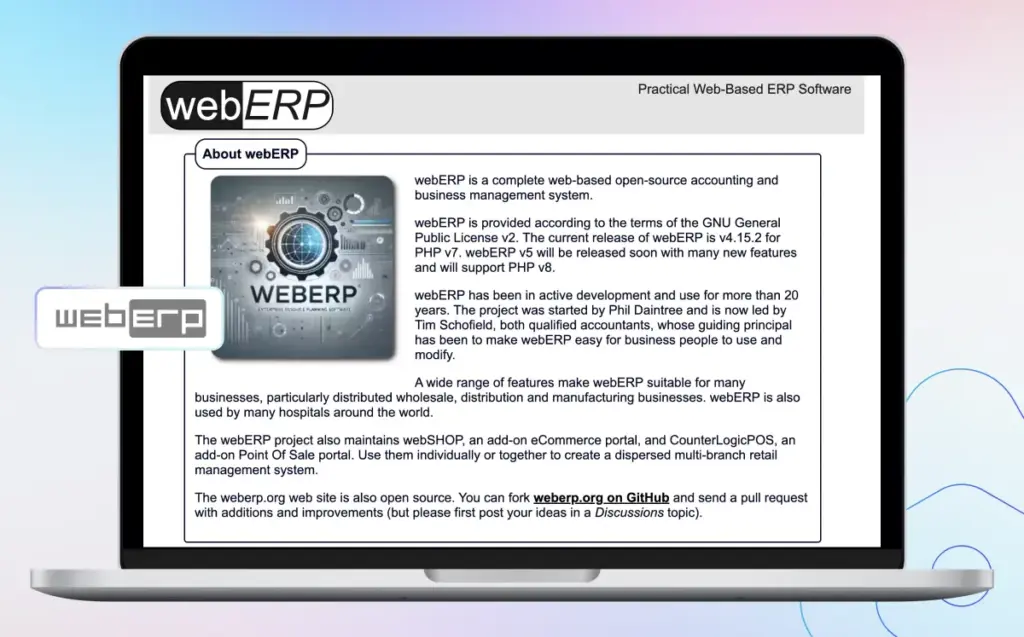
5. WebERP
WebERP is an ERP system made for wholesale and distribution businesses. It helps manage inventory, orders, and accounting in one simple system.
Since it is lightweight, it runs smoothly on older systems and small servers. It is easy to set up and use for daily business work.
Key Features
- Accounting Tools: Manage finances with a full general ledger.
- Order Management: Create and track sales and purchase orders easily.
- Lightweight System: Runs fast and needs very low system resources.
- Reports: Generate clear stock and financial reports quickly.
Pros and Cons
| Pros | Cons |
| Runs fast even on old computers | Outdated and basic user interface |
| Easy to install and set up | No built in CRM or HR features |
| Web based, use from any browser | Smaller user community & limited support |
| Lightweight, uses very few system resources | Not ideal for businesses needing advanced automation |
Best For: Wholesale and distribution businesses that need a fast, lightweight, and easy to use ERP for inventory, sales, and accounting.
If Dolibarr ERP feels limited as your business grows, explore these top Dolibarr alternatives for better features and flexibility.
Top ERP & CRM Tools with Features and Benefits
These tools are strong alternatives to Dolibarr ERP. Each one offers better features to manage sales, CRM, and inventory with more ease and control.
| ERP & CRM Tools | Features | Benefit |
| Openbravo | POS, CRM, Inventory | Great for multi store retail management |
| Aureus EPR | Sales, Invoicing, CRM | Simple, all in one for SMBs |
| Pipedrive | Sales Pipeline, AI | Boosts sales tracking and deal closure |
| WebERP | Accounting, Orders, Inventory | Lightweight ERP for distributors |
| Monday CRM | Custom Workflows, Lead Management | Flexible, no code setup for sales teams |
Conclusion
If you need more features, better control, or a smooth user flow, it is smart to Explore Top 5 Alternatives to Dolibarr ERP for long term growth.
Dolibarr ERP & CRM is a solid Open Source tool, but it may not fit every business as needs become more advanced.
By choosing the right alternative, you can gain better tools for sales, CRM, and inventory with more ease and control.
Thank you for reading this blog. We hope it helps you choose the best ERP or CRM for your business.
Support
Please comment below if you have any questions. Hope it will be helpful for you, or if you have any issues, feel free to raise a ticket at our Support Portal.


Be the first to comment.